


 Facebook
 Twitter
 Instagram
 E-mail
 WhatsApp
 Reddit




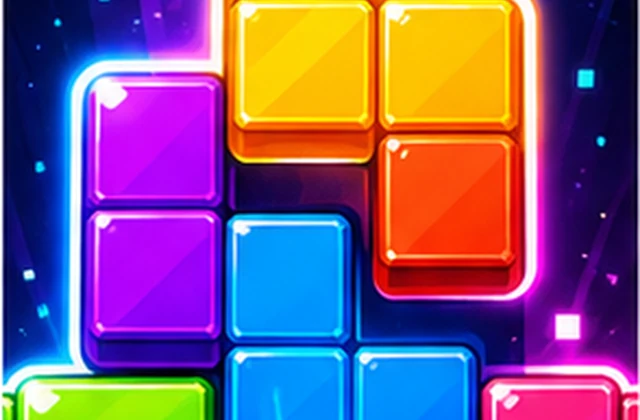



Color Blocks - Play the Puzzle Online
Color Blocks is a browser puzzle game built around clear rules and careful decisions. Color Blocks asks you to place colorful block pieces on the board, complete clean lines, and keep enough open space for the next awkward shape. If you enjoy this shape-placement style, the Block Puzzle games collection has more grid challenges to try next.
The best Color Blocks rounds come from slowing down before each move. Instead of guessing, read the board, protect your options, and use each action to make the next Color Blocks move easier.
- Play Color Blocks instantly in your browser with no download.
- Drag each Color Blocks piece into an open space on the board.
- Goal: complete full rows or columns in Color Blocks before the board runs out of room.
What Is Color Blocks?
Color Blocks is part of the FizoGames Puzzle collection, focused on logic, pattern reading, and satisfying step-by-step progress.
In Color Blocks, simple inputs create meaningful choices. A good move can open the board, while a rushed move can block the next solution path.
- Players who want a thoughtful Color Blocks puzzle that starts quickly.
- Puzzle fans who enjoy planning, matching, sorting, or grid logic.
- Anyone looking for a mobile-friendly browser puzzle with short sessions.
What Makes Color Blocks Different?
Color Blocks is easy to start because every move is visible before you commit. The challenge comes from reading shape sizes, saving open lanes, and avoiding single-cell gaps that block later Color Blocks pieces; 1010 Classic is a useful next step if you want a stricter 10x10 version.
Color Blocks feels better when you look for the next cluster, not just the first match. A patient clear can set up a brighter chain.
- Color Blocks uses simple browser controls, so the focus stays on puzzle decisions.
- Each move changes the available options and rewards careful order.
- Short levels make the game easy to try during a break.
- The Color Blocks page includes quick guidance so new players understand the goal before playing.
How to Play Color Blocks
Drag each Color Blocks piece into an open space on the board.
Move each Color Blocks piece into a space that still leaves room for the next shapes.
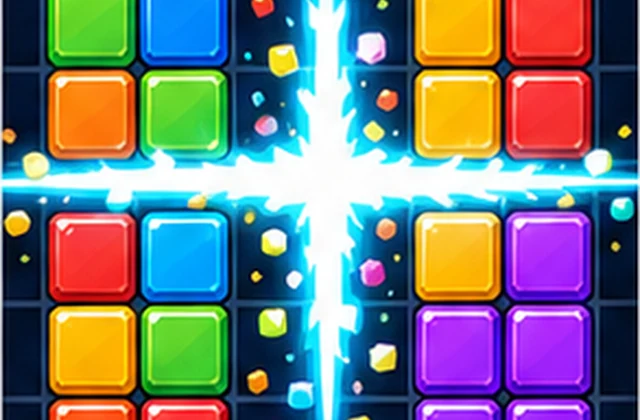
Complete a full row or column in Color Blocks to remove it and recover board space.
Keep at least one wide lane open so large Color Blocks pieces do not get trapped.
Use small pieces to repair gaps before they split the Color Blocks board into unusable pockets.
- Look at every available Color Blocks shape before choosing the first placement.
- Place large pieces near edges when that keeps the center easier to use.
- Clear rows or columns whenever the board starts losing open lanes.
- Avoid creating isolated holes that no future Color Blocks piece can fill.
Why Play Color Blocks on FizoGames?
FizoGames gives Color Blocks a clean browser frame, which makes it easier to focus on the next logical move instead of setup..
This Color Blocks guide explains the core goal, controls, and practical tips so you can spend less time guessing and more time solving. When you are ready to leave this puzzle lane, the FizoGame library brings the broader browser-game lineup back into view.
Ready to Play Color Blocks?
Use the player above to play Color Blocks online now. Start carefully, learn the board rules, and replay Color Blocks when you want another quick logic challenge.
FAQ
What is the goal in Color Blocks?
The goal in Color Blocks is to place pieces, complete full rows or columns, and keep the board open for as long as possible.
Can I rotate pieces in Color Blocks?
Color Blocks is best played as a fixed-shape puzzle unless the game screen shows a rotate button, so plan around the shapes you are given.
What is a good Color Blocks strategy?
A good Color Blocks strategy is to save wide open lanes, clear lines before the board gets crowded, and avoid isolated one-cell gaps.
When does Color Blocks become difficult?
Color Blocks becomes difficult when the board is split into small pockets and the next large shape has no clean place to land.
Does Color Blocks work for short sessions?
Yes. Color Blocks works well for short sessions because each move is quick, but better planning still improves every round.
Reviews
0 commentsPlayer reviews load when this section enters view.